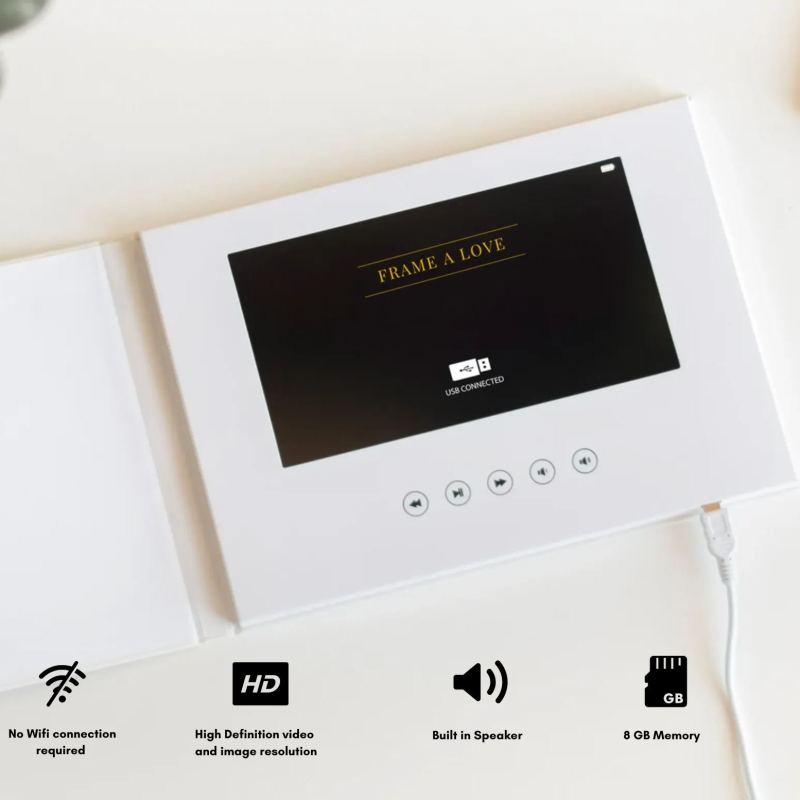


Infinite Images & Up to 8 GB Video Uploads . Up to 4 Hours of Replay
Easy to use . Simply transfer any files through your phone or computer
The Perfect Holiday Gift . Replay your Favorite Memories while making new ones .
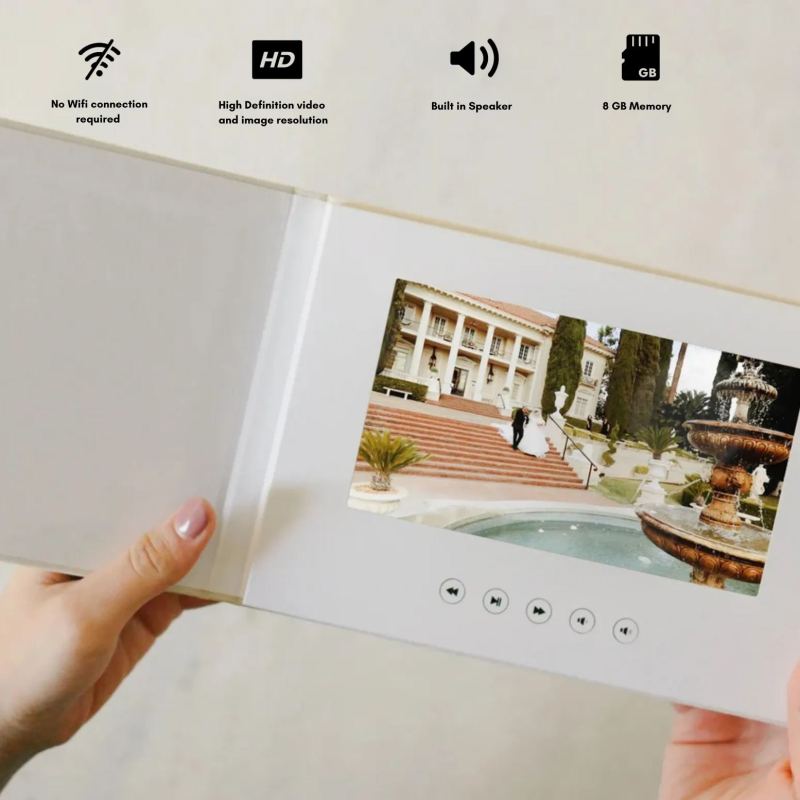
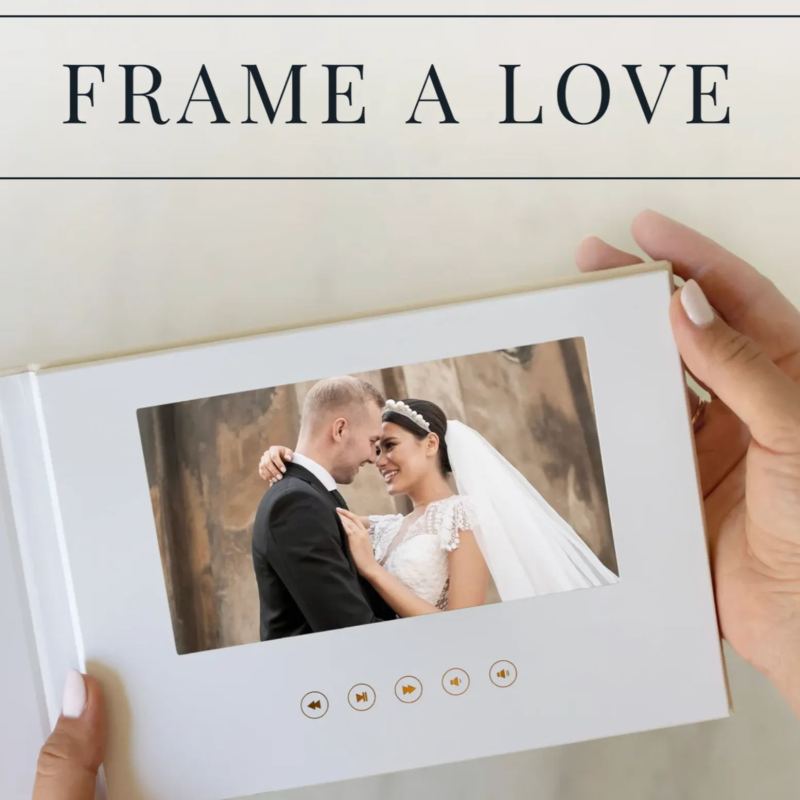
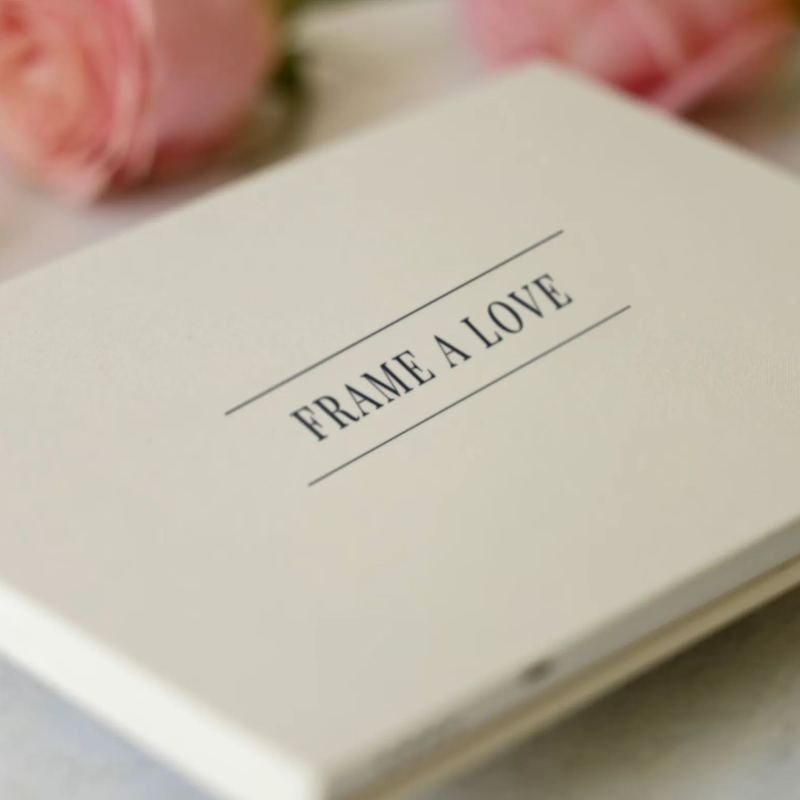
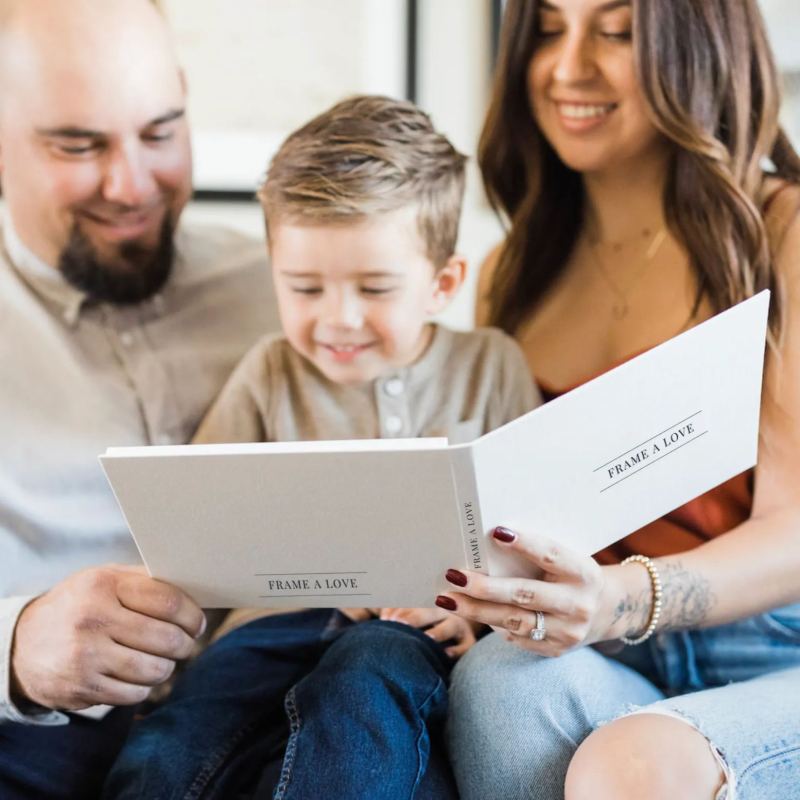
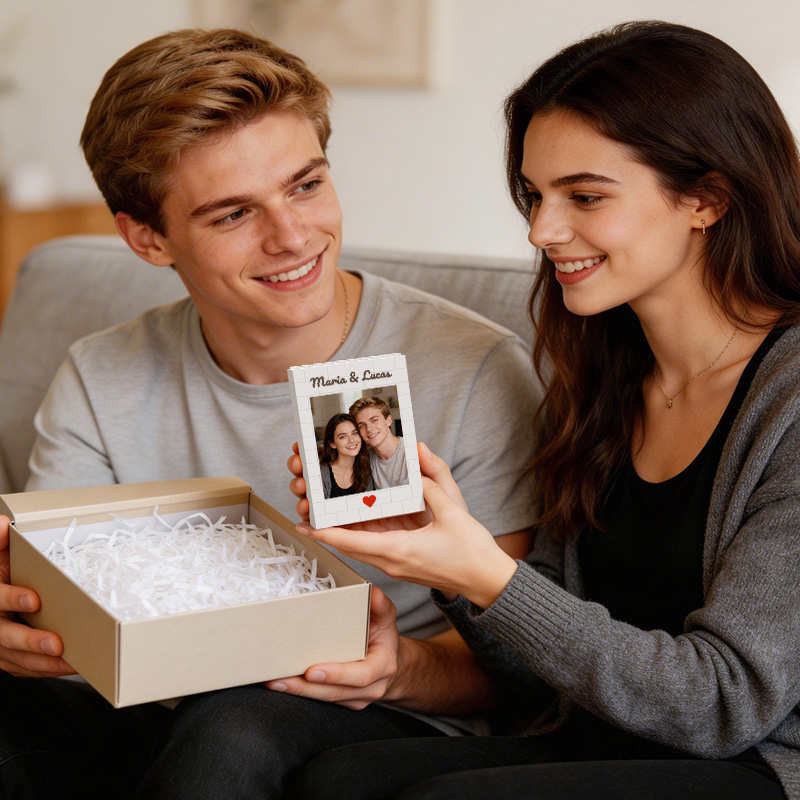
The Frame a Love Video Book is a heartfelt way to relive your most cherished moments. Just open the cover, and memories play instantly no setup, no internet needed. Perfect for weddings, anniversaries, or any special memory, it’s a timeless gift that brings joy with every viewing.
1.Connect the Video Book to Your Computer or Phone :
Use the USB cord provided to connect the video book to your computer.
Once connected, the video book will appear on your computer as a removable drive.
2. Prepare Your Files:
Ensure the total size of your videos and pictures does not exceed 8GB (the device's storage capacity).
Supported file formats typically include MP4 for videos and JPEG for photos.
3.Transfer Your Media:
Open the removable drive folder.
Drag and drop your selected videos or pictures into the folder.
Wait for the transfer to complete before disconnecting the device.
4.Safely Eject the Video Book:
On your computer or phone , safely eject the removable drive to avoid data corruption.
Disconnect the USB cord from the computer and the video book.
Enjoy Your Video Book:
Open the video book, and your uploaded videos or pictures will play automatically!
For any questions or support, feel free to contact us. Enjoy creating memories with your Frame A Love Video Book!

-4.png?w=420&h=420)

.png?w=420&h=420)
.png?w=420&h=420)
-11.png?w=57&h=57)
-4.png?w=57&h=57)
-5.png?w=57&h=57)
-4.png?w=57&h=57)
-2.png?w=57&h=57)
-2.png?w=40&h=40)
.png?w=40&h=40)

































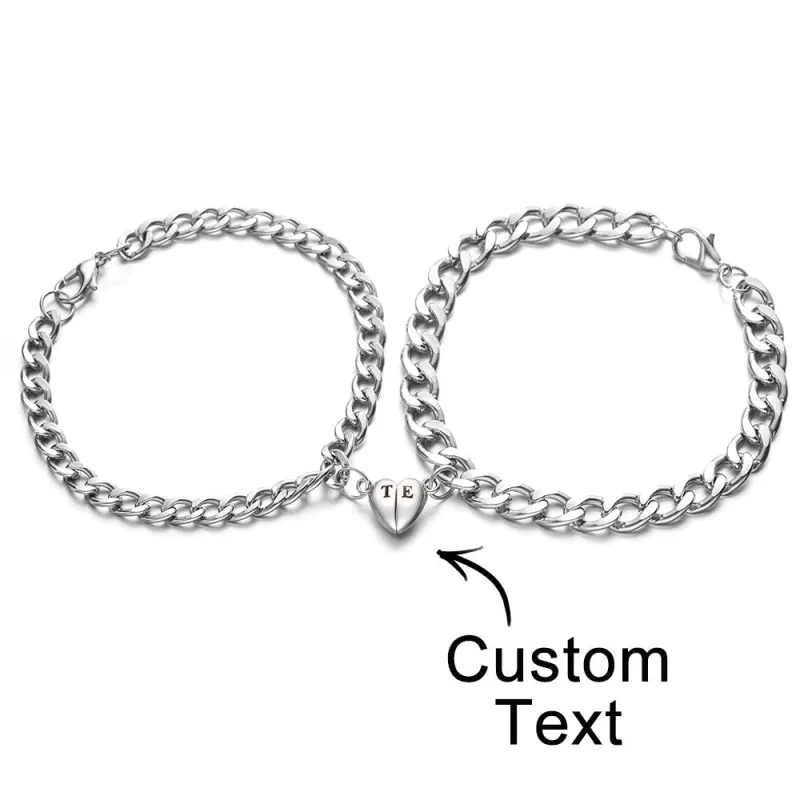
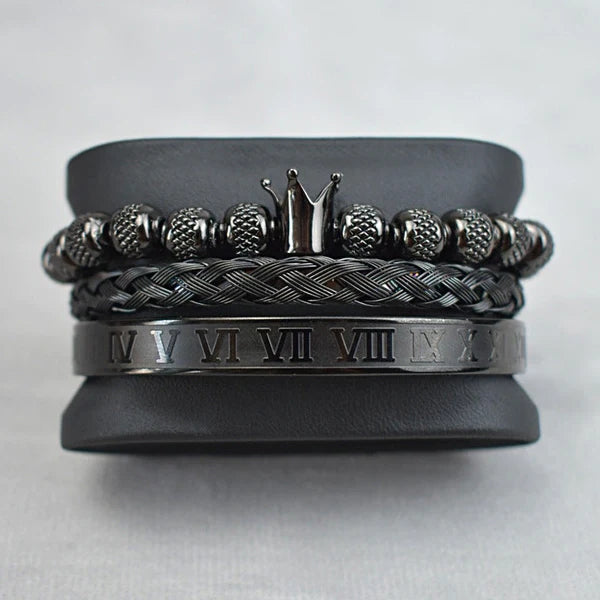
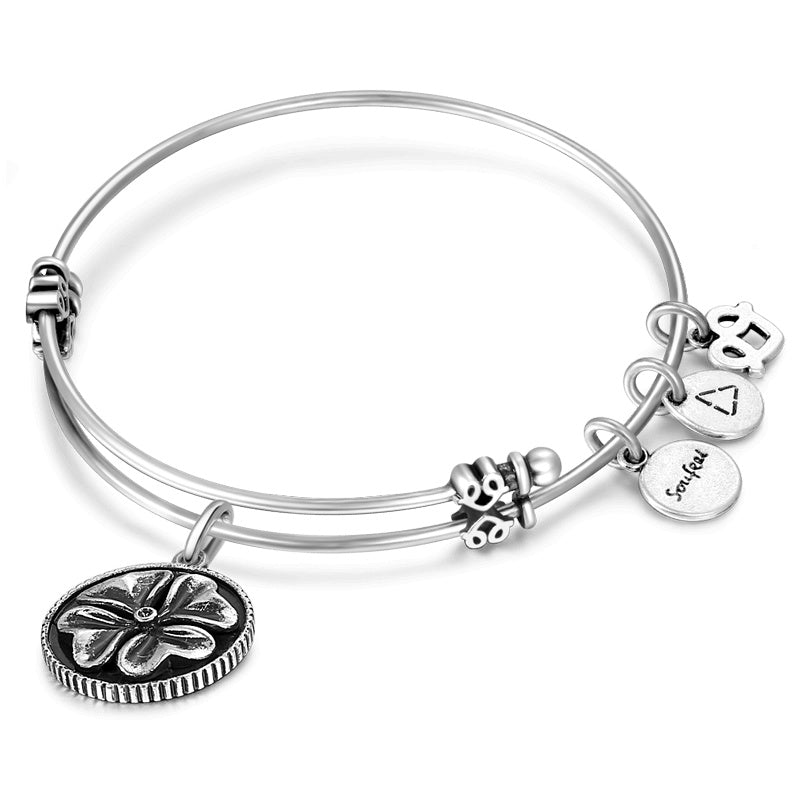
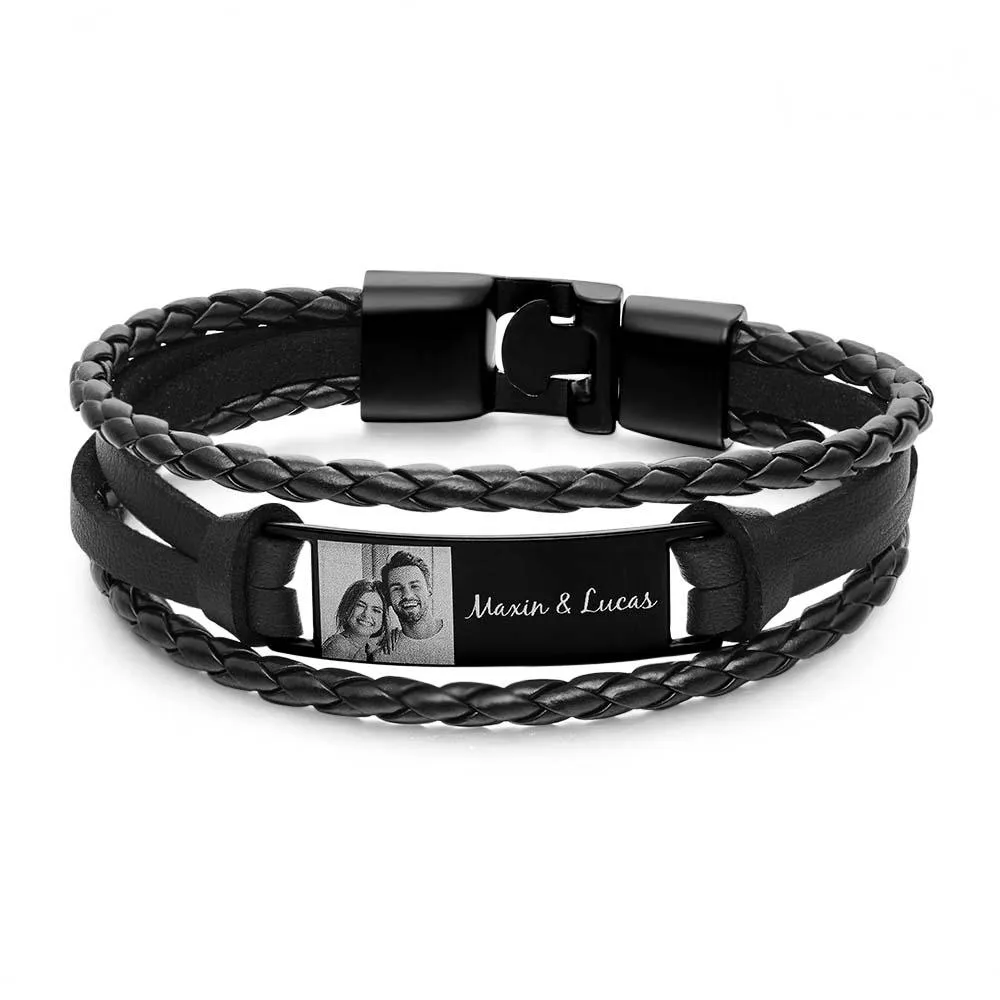


















.jpeg?w=1000&h=1000)







-web.jpeg?w=1000&h=1000)



-32.png?w=2048&h=2048)



-5.png?w=104&h=40)

-5-(1).png?w=135&h=75)
-12.png?w=241&h=40)